2026-04-12
AI Presentation Generator with Template Preservation
Generate client-ready presentations from your existing PowerPoint templates — no rebuilding required
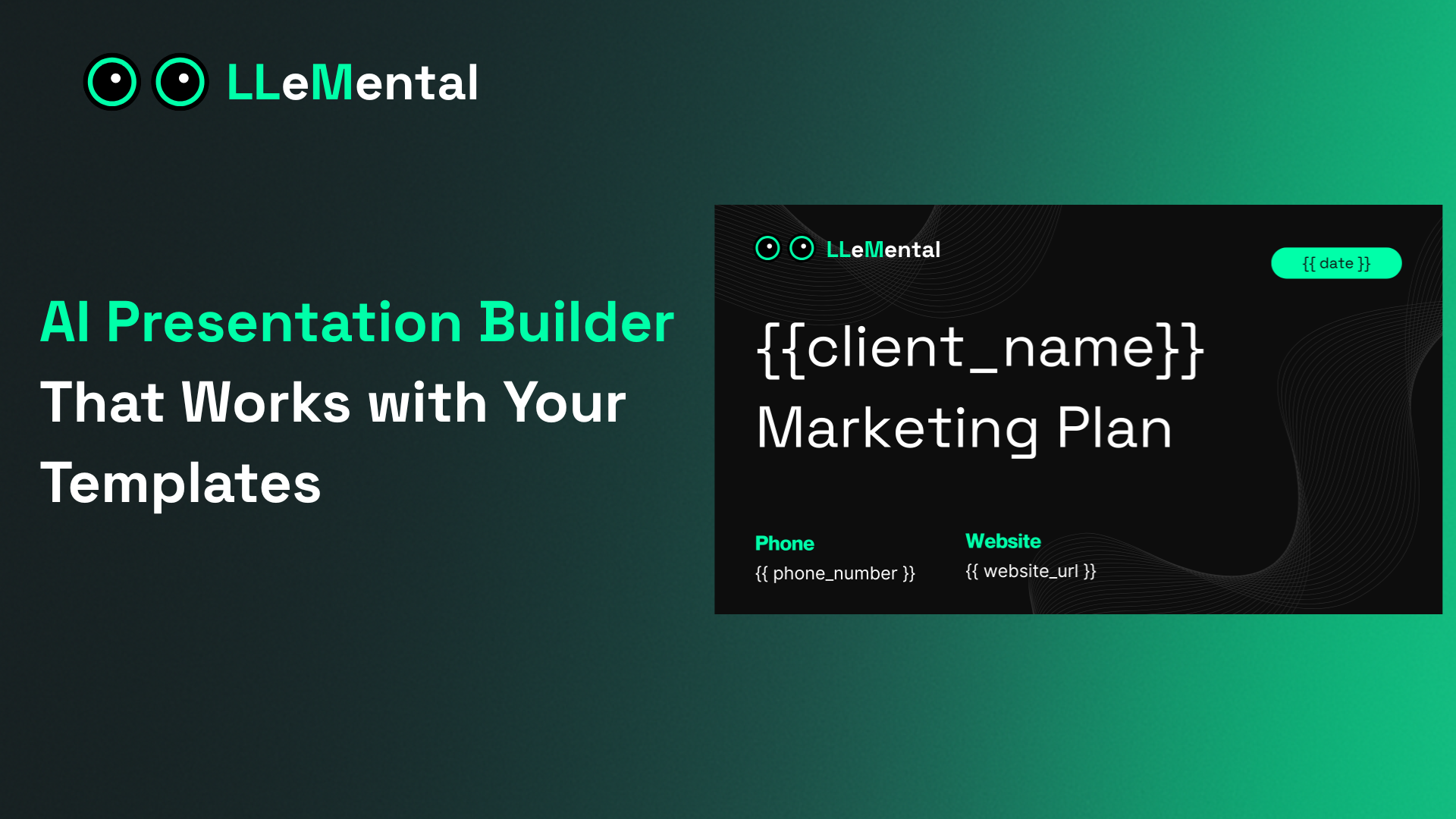
An AI presentation generator should save you time — not create new work rebuilding templates you already have. LLeMental works inside your existing PowerPoint files, generating client-ready presentations in minutes while preserving your exact formatting, branding, and structure.
No highlighting. No variable markup. No redesigning. Upload your template, add your source documents, and generate.
How LLeMental Works
The workflow is four steps:
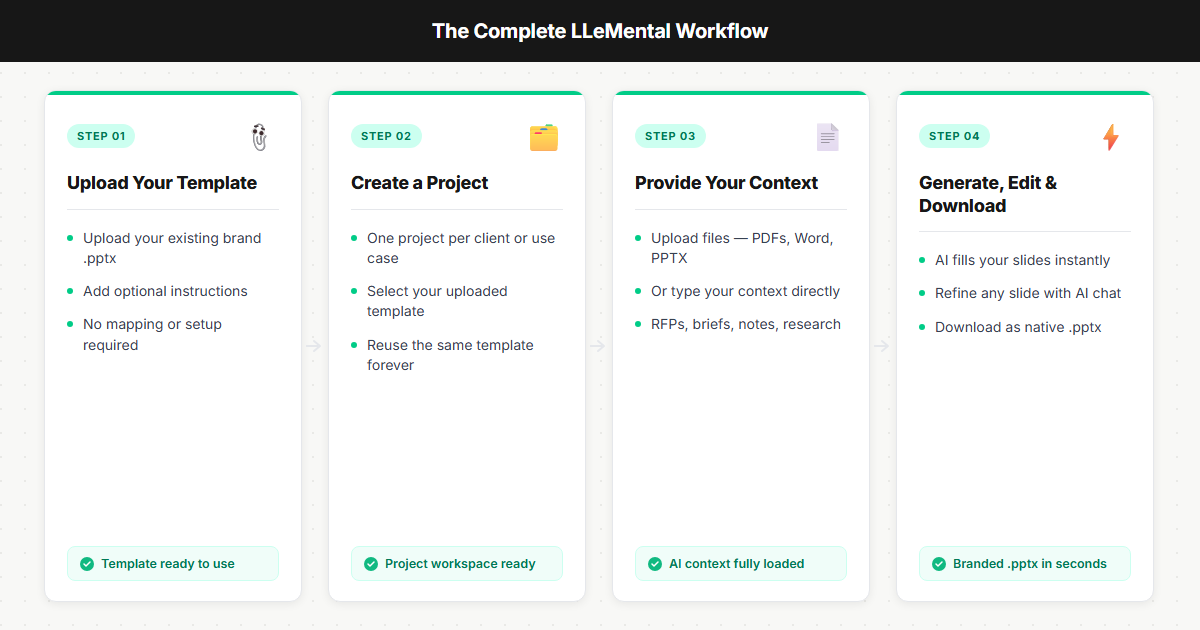
1. Upload Your PowerPoint Template
Upload any .pptx file — your existing proposal deck, client report, pitch template. No modifications needed. LLeMental reads your template and automatically understands which content should stay static (branding, disclaimers, company information) and which sections should be generated fresh for each client or project.
Optionally, add Instructions: a single global prompt that guides tone, writing style, or how specific sections should behave across every generation.
2. Create a Project
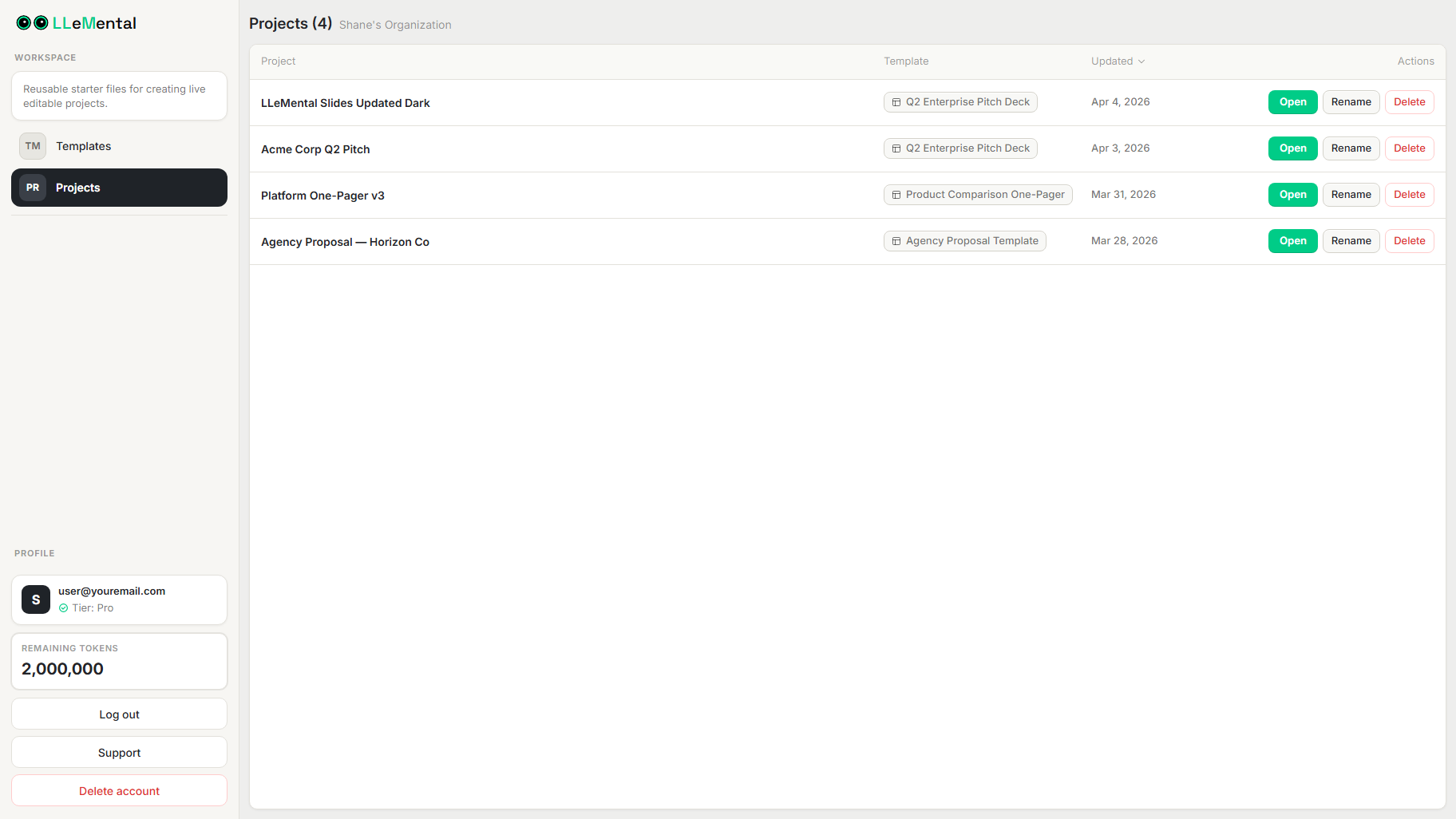
Projects are where a template meets a specific use case. Create a new project from any saved template in your library, name it for the client or engagement, and you’re ready to add context.
3. Upload Your Source Documents
Add the raw materials: discovery call notes, client research PDFs, project briefs, competitive analyses. LLeMental processes PDFs, Word documents (.docx), and text files (.txt) simultaneously — no need to consolidate or summarize before uploading. The AI reads across all sources to build a complete picture before generating.
4. Generate, Review, and Refine
Generation takes under a minute. Your template slides are populated with content synthesized from your source documents. Open the Presentation Viewer to review the output slide by slide — then use the built-in AI chat assistant to refine specific slides, adjust tone, or request rewrites without regenerating the entire deck.
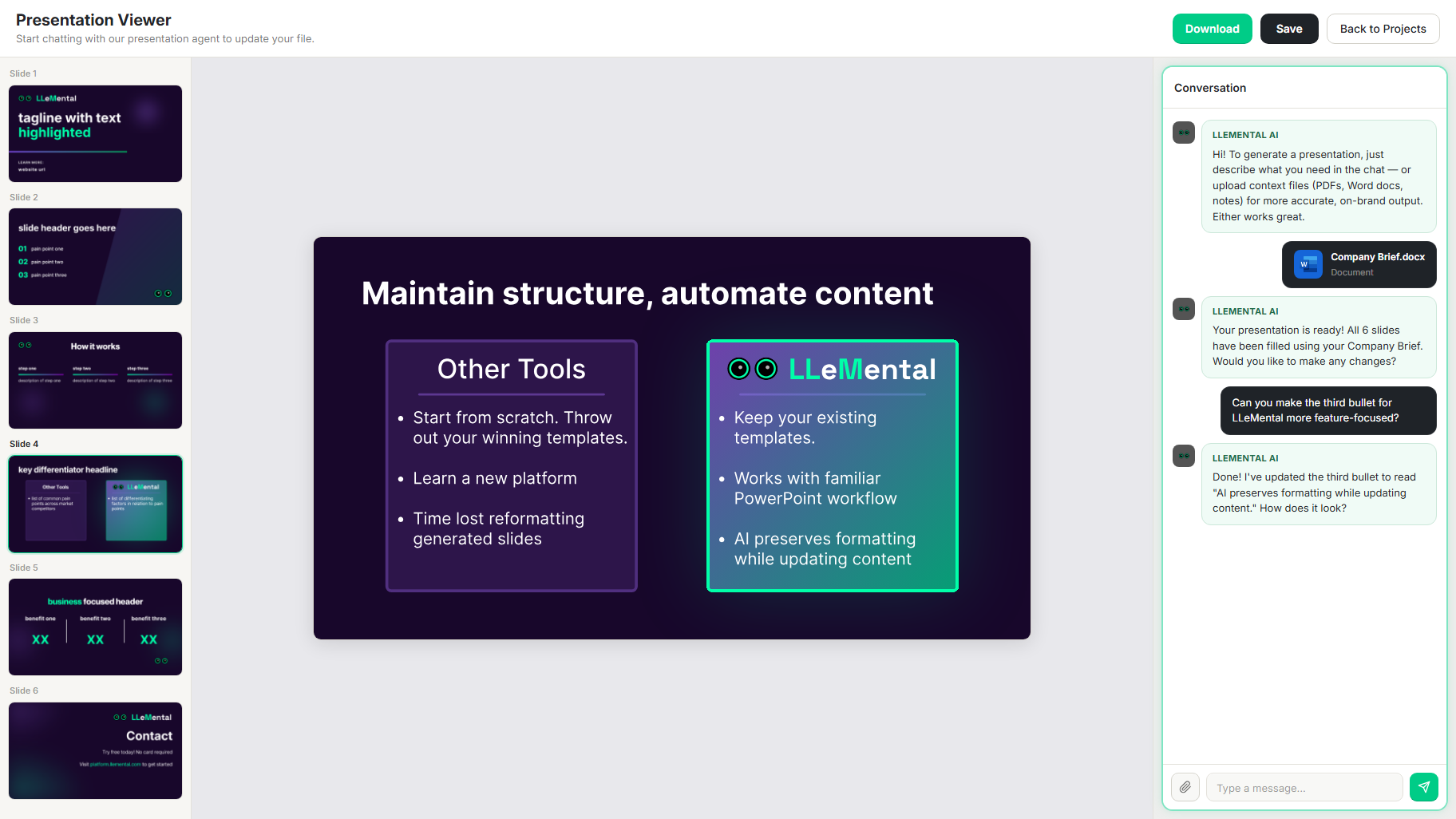
When you’re satisfied, download your completed presentation as a native .pptx file — ready for delivery, no extra formatting work required.
What Gets Generated vs. What Stays Intact
LLeMental’s template preservation is automatic — you don’t configure it.
Generated from your source documents:
- Client names, company details, and industry context
- Situation analysis and problem identification
- Customized recommendations and proposed solutions
- Timelines, scope descriptions, and project-specific details
Preserved exactly as designed:
- Your branding, colors, fonts, and slide layouts
- Company background and credentials sections
- Standard service descriptions and boilerplate
- Legal disclaimers and contact information
Proposals and presentations created with LLeMental look like your team built them — because the structure, design, and standards are yours. The AI handles the content that changes per client.
For a deeper look at how template preservation works across presentation types, see our complete guide to AI presentation generator technology.
Who Uses LLeMental
Teams that create the same type of presentation repeatedly — with different content each time — get the most from LLeMental:
- Marketing agencies generating client proposals from discovery call notes and research PDFs
- Sales teams building custom pitch decks from prospect research and CRM data
- Consultants producing engagement proposals from client interviews and assessments
- Internal teams automating recurring reports from data exports and meeting notes
If you spend 1–3 hours per presentation on content that follows the same structure each time, LLeMental reduces that to a 5-minute review. Users typically report 95–98% time savings per document. To see the full process end-to-end, see how a digital marketing agency turns discovery call notes into a client proposal in minutes.
Frequently Asked Questions
Does LLeMental work with my existing PowerPoint templates?
Yes. Upload any .pptx file and LLeMental generates content directly inside it. There is no rebuilding, no template migration, and no minimum formatting requirements. Your template is ready to generate from immediately after upload.
What file types can I upload as source documents?
LLeMental currently processes PDFs, Word documents (.docx), and text files (.txt). You can upload multiple documents per project with no limit on the number of sources. Excel/CSV, website URL import, and image inputs are coming soon.
How is LLeMental different from other AI presentation generators?
Most AI presentation tools generate new slides from a text prompt, then require you to reformat the output to match your brand. LLeMental starts from your existing template and populates it — so brand consistency is automatic, not a manual cleanup step afterward.
Can I edit the output after generation?
Yes. Use the Presentation Viewer to review slides and the built-in AI chat assistant to refine specific content — rewrite a section, adjust tone, or request alternative language — without regenerating the full deck. Download as .pptx when ready.
How long does generation take?
Under one minute for most presentations. The AI chat assistant and any manual edits add a few minutes of review time on top.
Ready to generate your first AI-powered presentation from a template you already use? Schedule a Demo with the LLeMental team.
Questions about getting started? Contact our founding team for complimentary onboarding support.